You can publish the clearest, most accurate content in your industry and still be invisible. If a search engine can’t reach a page, render it, and store it, nothing else you do on that page matters. The same is true for AI. A page crawlers can’t read is a page ChatGPT, Gemini, and Google’s AI Overviews can’t cite.
In regulated industries, this happens more often than most marketing teams realize. The cause usually isn’t bad content. It’s a branch finder built in JavaScript, a second domain left over from a rebrand, or a firewall rule nobody remembers turning on.
This technical SEO checklist covers the checks that matter most, why each one affects AI search as well as Google, and how to tell whether your website provider is actually doing them.
Every page has to clear five steps
Before a page can earn a visit or a citation, it has to get through five steps, in order. A failure at any step stops everything after it.
- Crawl. Bots find the URL. What breaks it: robots.txt or CDN rules that block crawlers, missing sitemaps, and orphan pages nothing links to.
- Render. The page is read the way a browser reads it. What breaks it: key content that only loads with JavaScript.
- Index. The page is stored and understood. What breaks it: duplicate domains, conflicting canonical tags, and thin templates.
- Rank. The page competes for a query. What breaks it: weak internal links, slow mobile pages, and generic copy.
- Get cited. An AI system can quote or link the page. What breaks it: no clear answer on the page, or facts that conflict with what’s published elsewhere.
Clearing each step makes ranking and citation possible. It doesn’t guarantee them. Skipping a step, though, all but rules them out.
Where regulated-industry websites usually break
Directories built for people, not crawlers
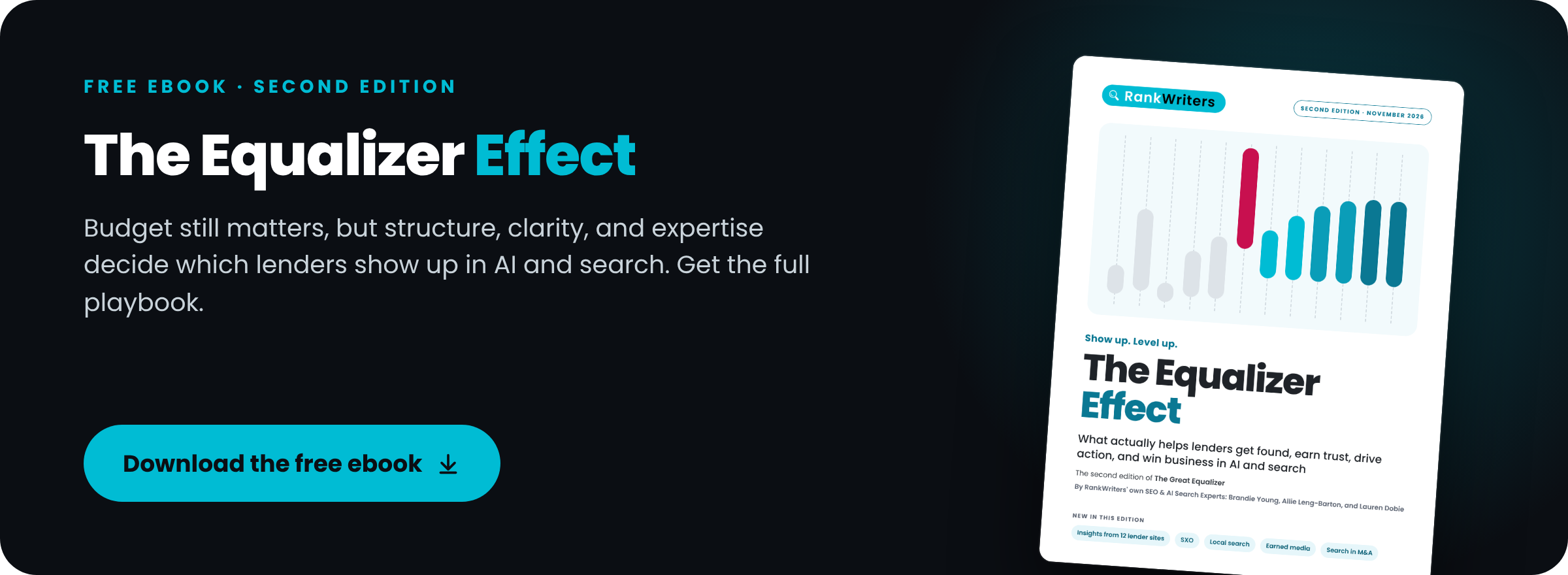
Loan officer finders, branch locators, agent directories, and attorney listings often load their results with JavaScript. A visitor sees a tidy list. A crawler may see an empty page and never find the profiles behind it. In our review of 12 mortgage lender websites for The Equalizer Effect, one lender’s directory linked to 0 of its 357 loan officer profiles in its HTML, and one branch hub linked to just 12 of its 110 branches.
One company, two domains
Rebrands, acquisitions, and separate divisions often leave duplicate sites live: a bank that absorbed another bank, an insurance carrier with a legacy agency domain, a law firm that changed its name. Ranking signals split between the copies, and search engines are left to guess which one is real.
Rate, quote, and disclosure widgets
Content injected by third-party scripts, like rate tables, quote tools, review feeds, and required disclosures, may never reach crawlers. When it does load, it often loads late and shifts the layout under the reader.
Security settings nobody chose
Firewall and bot-management tools ship with default rules, and some of those rules block AI crawlers that no one at the company decided to block. Teams in regulated industries tend to run strict security settings, which makes this one worth checking first.
The technical SEO checklist
Run these checks at least quarterly, and again after every redesign, migration, or platform change.
1. Crawl access
Confirm that robots.txt, CDN, and firewall rules allow the search and AI crawlers you want. Check that your XML sitemaps list only the URLs you want indexed, not redirects, duplicates, or pages blocked somewhere else.
2. Raw HTML versus the rendered page
Compare the raw HTML your server sends with the page a browser renders. Rates, disclosures, directories, and reviews should exist in the HTML without relying on JavaScript. If they only appear after scripts run, assume some crawlers never see them.
3. Indexation and canonicals
Every important page should be indexed once, at one canonical URL, on one domain. Old URLs and retired domains should point to their replacements with permanent 301 redirects. Compare what you expect to be indexed with what Google Search Console actually reports.
4. Internal links
Internal links tell crawlers what matters and how pages relate. Product and service pages should link to the locations and people who offer them. Articles should link to the products they explain. Hub pages should link to every branch, office, or advisor, in plain HTML.
5. Core Web Vitals on mobile
Check load speed (Largest Contentful Paint), responsiveness (Interaction to Next Paint), and layout stability (Cumulative Layout Shift) on the pages that actually win applications, quotes, and consultations. A fast homepage doesn’t help if the application page is slow. In our 12-lender review, one of the two sites we examined in depth failed mobile load speed and the other failed layout stability, both on the pages borrowers use most.
6. Search bots versus training bots
Not all AI crawlers do the same job. OpenAI’s OAI-SearchBot powers ChatGPT search, while GPTBot collects training data. Google-Extended governs whether your content is used to train Gemini, and it doesn’t affect Google Search. Block a search bot by accident, and you can drop out of an AI answer engine you meant to be in.
| Crawler | What it does | If you block it |
|---|---|---|
| Googlebot | Crawls for Google Search | You drop out of Google Search, including its AI features |
| Google-Extended | Controls use of your content for Gemini training | No effect on Google Search |
| OAI-SearchBot | Powers ChatGPT search | Your pages are less likely to show up as ChatGPT search sources |
| GPTBot | Collects training data for OpenAI models | Your content isn’t used for future training |
7. Google’s AI control
In 2026, Google added a setting in Search Console that lets site owners opt out of AI Overviews and AI Mode. Google has said the setting isn’t a ranking signal for regular search results. Whether to use it is a business decision, not a technical one, which leads to the last check.
8. Ownership
Decide who owns bot blocking and AI opt-outs. These should be leadership decisions, documented and reviewed, not defaults set by a developer, a security vendor, or the legal team acting alone.
How to tell whether your provider is doing this work
Many SEO and AI-visibility offers stop at schema markup and content. Both matter, but for a business with branches, offices, or advisor pages, the technical work underneath decides whether that content gets found. Use these points in your next vendor or agency review.
- Crawl and indexation audit. A strong provider runs a full crawl, compares it with Search Console data, and ranks fixes by priority. Red flag: “We ran a plugin scan.”
- Rendering. A strong provider checks raw HTML against the rendered page on key templates. Red flag: JavaScript never comes up.
- Site architecture. A strong provider builds linking plans for hubs, locations, and profiles, with crawl-depth targets. Red flag: links only get added inside blog posts.
- Core Web Vitals. A strong provider reports field data by template, with fixes your developers can ship. Red flag: a lab score and nothing else.
- Redirects and domains. A strong provider delivers redirect maps and a plan for duplicate domains. Red flag: “Canonicals will handle it.”
- Bot access. A strong provider reviews server logs and firewall rules for search and AI crawlers. Red flag: they can’t tell you which bots reach your site.
- Reporting. A strong provider ties technical health to indexation, visibility, and leads. Red flag: ranking screenshots only.
Two more requests sort providers quickly. Ask for a real, redacted sample audit, which shows depth faster than a sales deck. And ask who implements the fixes, because specs only help if someone ships them.
Then ask one question: “Walk me through how you’d find out whether our location or advisor pages are crawlable.” A strong answer covers raw HTML, internal links, sitemaps, and Search Console. A weak one jumps straight to schema.
If you’d like a quick read on your own site first, run our free AI Search Audit, or see how our technical SEO and AI optimization work approaches these checks.
Frequently asked questions
How often should I run a technical SEO audit?
At least quarterly, and after any redesign, migration, platform change, or new security setup. Those changes are when crawl access and redirects most often break.
Does technical SEO affect AI search visibility?
Yes. AI search tools can only cite pages their crawlers can reach and read. A page that’s blocked, rendered only in JavaScript, or split across duplicate domains is harder for both search engines and AI systems to use.
Should I block AI crawlers?
It depends on what you want. Blocking training bots like GPTBot or Google-Extended is a different decision from blocking search bots like OAI-SearchBot, which power AI answers that can send you visitors. Make the choice deliberately and document it.
Is schema markup part of technical SEO?
Schema is one part. It helps machines interpret a page, but it can’t fix a page that crawlers can’t reach or render.
Lending is one of the hardest places to get technical SEO right. See how these checks play out for mortgage lenders, with findings from 12 lender websites, in our free playbook.